Events are all about timing. A concert with unsold tickets needs a last-minute push. A conference with a 50% no-show rate wastes resources. A wedding with uninformed guests leads to chaos. In all of these scenarios, SMS is the tool that solves the problem — because it arrives instantly and is read by 98% of recipients.
Whether it's selling tickets, confirming attendance, providing schedule updates, or generating revenue on the day of the event, SMS is the most effective channel for event organizers of any size.
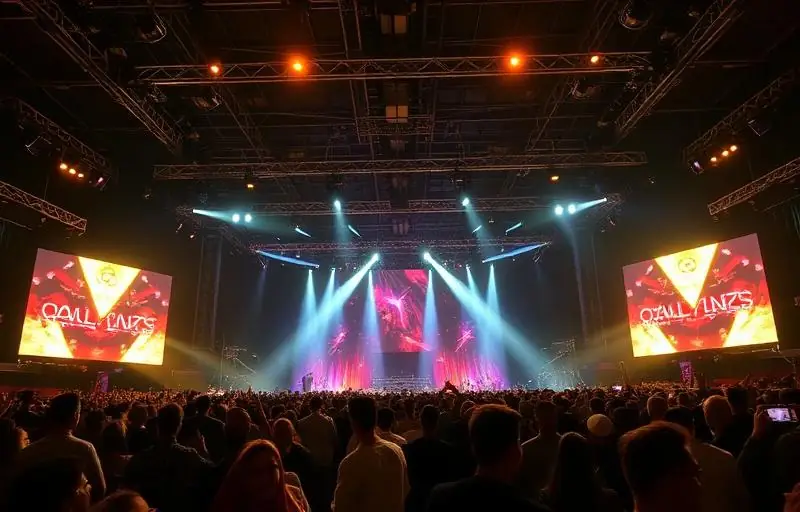
SMS in the event lifecycle
Phase 1: Pre-sale and launch
"🎤 CONFIRMED: {artist} in {city}! Exclusive pre-sale for registered guests: {link}. Tickets starting at R$ {valor}. {Organizer}"
Phase 2: Regular sales
"Tickets for {event} with 30% OFF in tier 2! 🎫 Only {X} left. Get yours: {link}. {Organizer}"
Phase 3: Last minute
"⚡ LAST TICKETS! {event} — {date}. Secure your spot before it sells out: {link}. {Organizer}"
Phase 4: Event eve
"Tomorrow is {event} day! 🎉 Time: {time}. Venue: {venue}. Gates open at {time}. Bring a photo ID. See you there!"
Phase 5: Event day
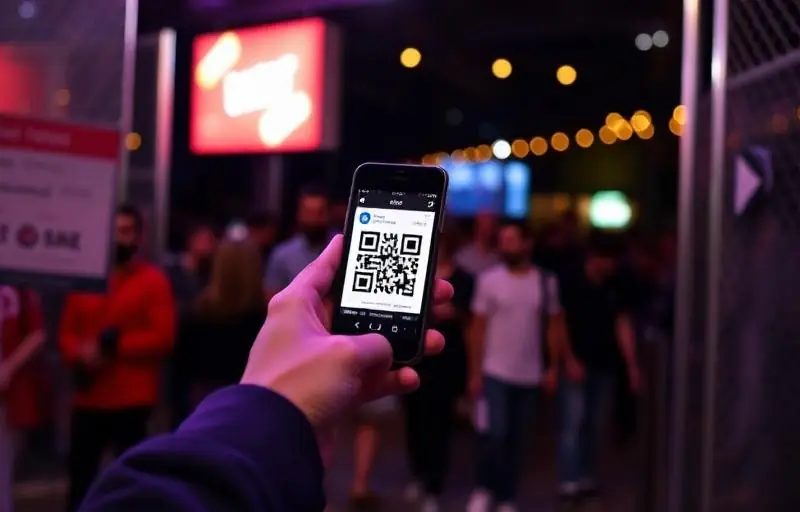
"Today! {event} — Gates are open! 🎶 Tips: Parking: {info}. Skip the lines: present your ticket QR code: {link}"
Phase 6: During the event
"🍕 Hungry? Order delivery straight to your seat! Menu and ordering: {link}. Delivered to your seat in 15 min!"
Phase 7: Post-event
"Thank you for attending {event}! 🙏 How was your experience? Rate us: {link}. Event photos: {link}. See you next time!"
SMS by event type
Concerts and festivals
"🎸 FULL LINEUP: {festival}! {artist1} + {artist2} + {artist3}. Tier 2 tickets: {link}. Dates: {date}. {Organizer}"
Conferences and congresses
"📋 {Conference}: Your favorite lecture starts in 30 min! Room {X}, {speaker}: '{topic}'. Don't miss it!"
Trade shows and exhibitions
"🏢 {Exhibition} invites you: Visit our booth {X}! Exclusive demo of {product} at {time}. Free gift for the first 50 visitors!"
Weddings and graduations
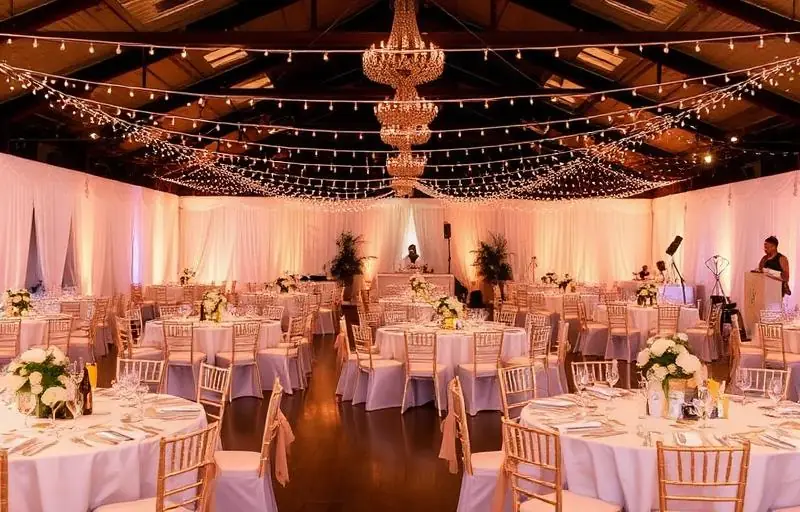
"💍 Save the Date! {Bride} & {Groom}: {date}. Ceremony: {venue} at {time}. RSVP: {link}. It will be an honor to have you with us!"
Corporate events
"📊 Workshop {topic}: {date} from {time} to {time} at {location}. Confirm your attendance: Reply YES. Limited spots! {Company}"
Advanced strategies
Urgent ticket sales
"⏰ Promo batch ends in 3h! {event}: tickets for R$ {valor} (price increases to R$ {novo} after). Buy now: {link}"
Upgrades via SMS
"VIP available! 👑 Upgrade your ticket for {event} for +R$ {valor}. Includes: open bar + exclusive area. Upgrade: {link}"
Cart recovery
"Hey! You almost bought a ticket for {event}. 🎫 There's still time: {link}. Only a few tickets left!"
Cross-selling
"Ticket secured for {event}? 🎤 How about the combo: ticket + parking + fan kit for R$ {valor}? {link}"
Real results
Case Study: EventosPRO Productions
Concert and festival organizer, contact database of 30,000:
Campaign: Summer Festival 2026
"The last-minute SMS sold 800 tickets in 4 hours. We would have been stuck with 800 empty seats." — Director, EventosPRO
Event metrics
1. Sales conversion: % of SMS that resulted in a ticket purchase
2. Confirmation rate: % of guests who confirmed attendance via SMS
3. No-show rate: % of confirmed guests who did not attend
4. Upgrade rate: % who purchased an upgrade via SMS
5. Post-event NPS: Satisfaction collected via SMS
Step-by-step guide to structuring your event's broadcasts
Organizing messaging communication requires advance planning and alignment with the production schedule. Tight planning ensures the right message arrives at the exact moment, reducing lines and questions at the gate:
Common mistakes when using SMS for events and how to avoid them
Small missteps in mobile communication can cause dissatisfaction or overwhelm the front-of-house staff at the venue entrance:
Message templates for unexpected situations
Operational setbacks require speed. Keeping pre-approved templates ready for immediate dispatch prevents panic and guides the audience clearly:
Frequently asked questions about SMS for events
How can I ensure messages are delivered in areas with unstable cell service?
SMS uses the carrier's basic signaling channel (conventional cellular network), which allows delivery even in heavily crowded areas where mobile data traffic typically fails or becomes congested.
Can the SMS platform be integrated with the ticketing system?
Yes. Through API integrations, the delivery platform can automatically trigger purchase confirmations, electronic ticket deliveries, and new batch alerts as soon as payment is approved in the ticketing system.
What is the ideal length for an event SMS?
The best practice is to keep the message within the 160 standard character limit. This ensures cost efficiency, immediate delivery, and quick reading on the attendee's lock screen without fragmenting the text into multiple segments.
How should opt-outs and unsubscribe requests be handled?
To respect user privacy and adhere to messaging best practices, always include a simple opt-out instruction at the end of promotional messages, such as the option to reply "STOP" to unsubscribe from future alerts by that organizer.
Conclusion
Events rely on audiences — and SMS is the most effective channel to attract, inform, and engage that crowd. From selling tickets to sending post-event thank-yous, each SMS drives full capacity, a seamless experience, and loyalty for upcoming editions.